To copy the map:
1. From this web site, choose the desired map.
2. Position mouse cursor over the map and click the Right mouse button.
3. Select Save Picture As
4. Navigate to the desired Drive and Directory to Save in:
5. Modify the filename if you wish
6. In the Save as type: field select "Bitmap (*.bmp)"
The map will be saved to the specified location.
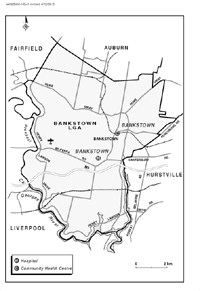
To import the map to MS Word:
1. Choose Insert
2. From the Drop Down Menu, choose Picture.
3. Navigate to the drive and directory to which you saved the map.
4. Select the desired map
5. The map will be imported full size.
Back to Maps